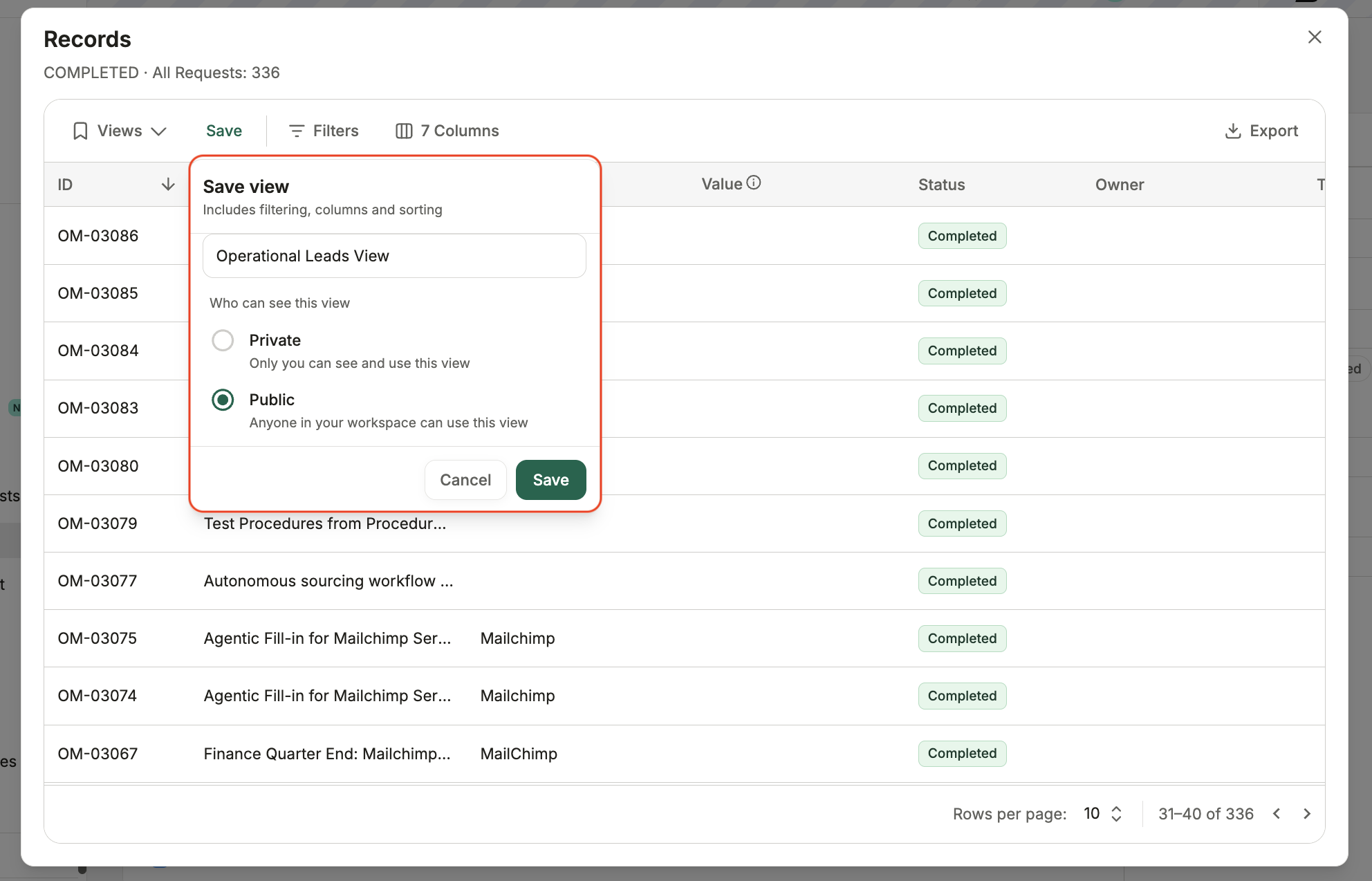
How to: Drill down into widget data
Last updated: September 29, 2026
Select a chart segment to view the individual records behind it. You can then filter and sort the records, customise the displayed columns, save the view or export the data.
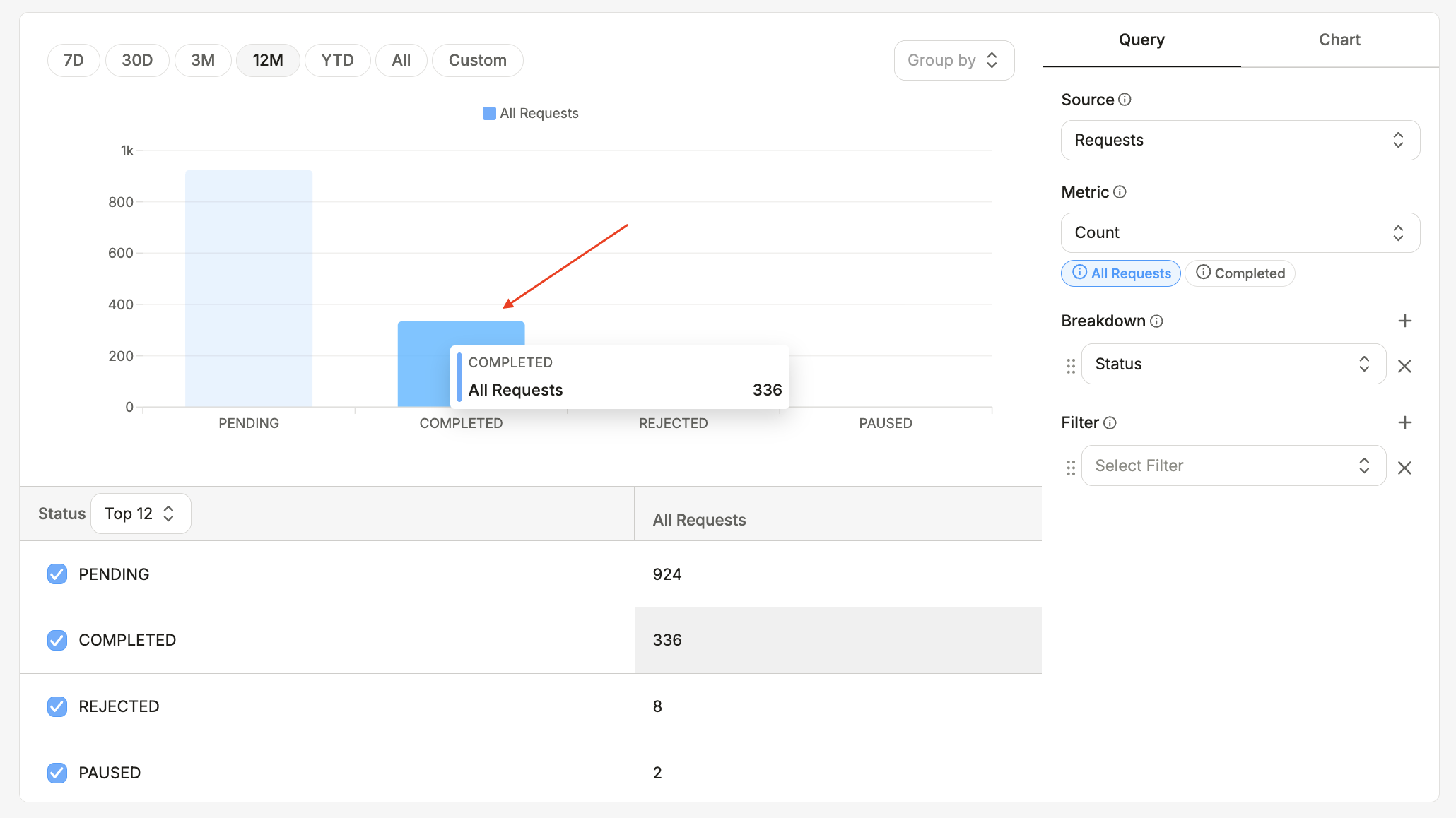
How to drill down
Hover over a chart segment to preview its value, then select the segment to open the underlying records.
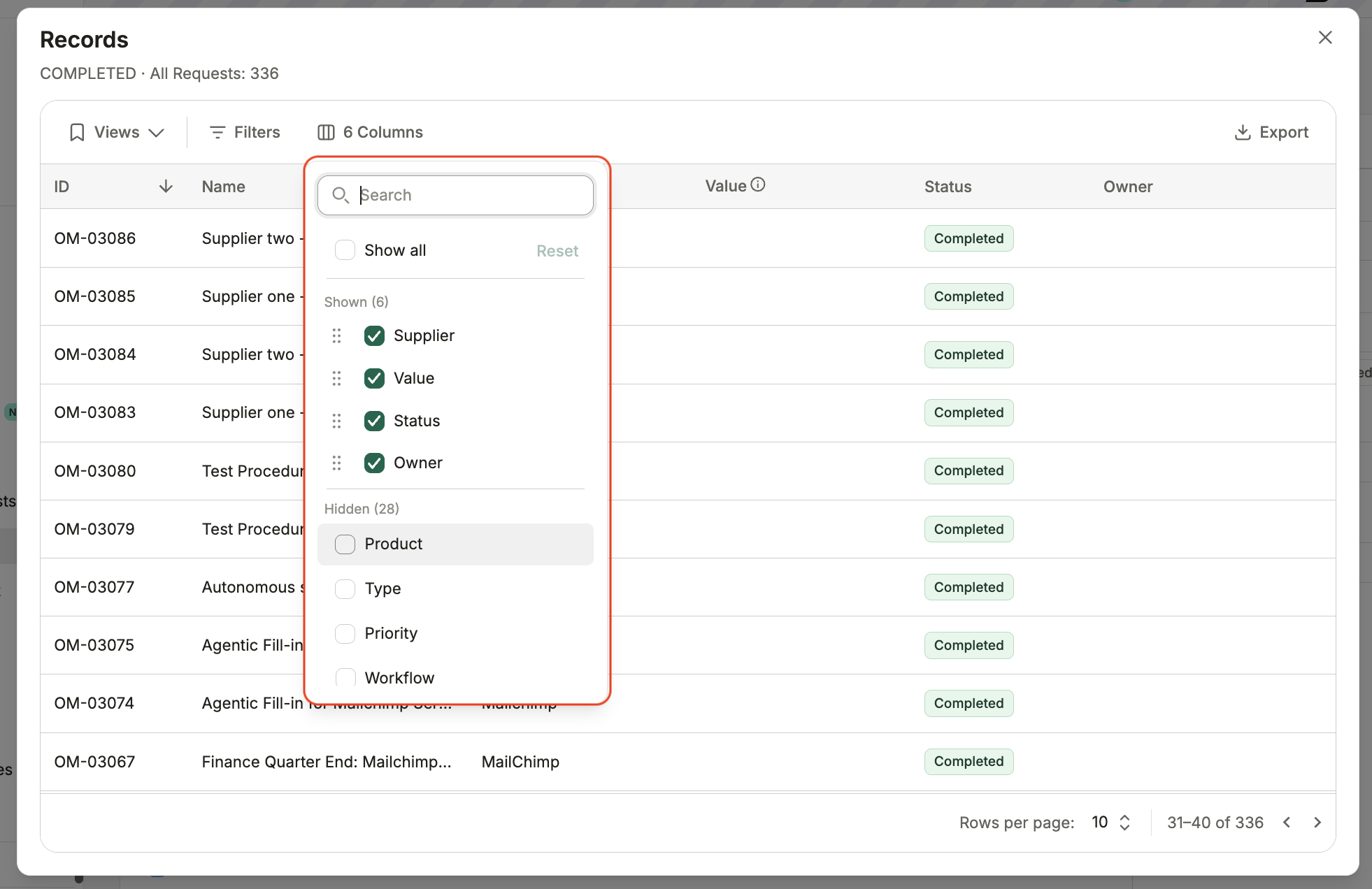
Add filters or choose which columns to display.
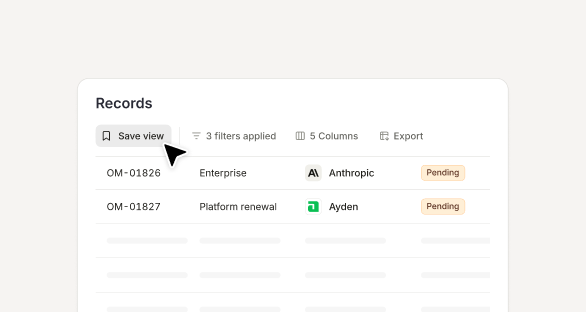
Save the configuration as a private or shared view so you can return to it later.