How to: Create private and shared dashboards
Last updated: September 29, 2026
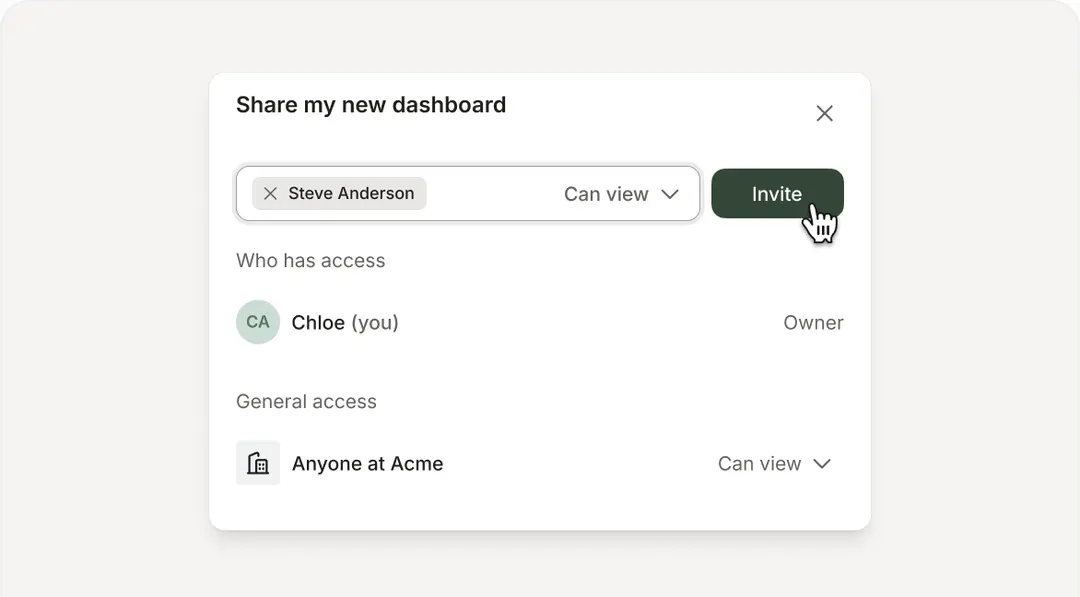
New dashboards are private by default, allowing you to experiment without changing shared reporting. When you are ready, invite specific teammates or make the dashboard available to everyone in your organisation.
Manage dashboard access
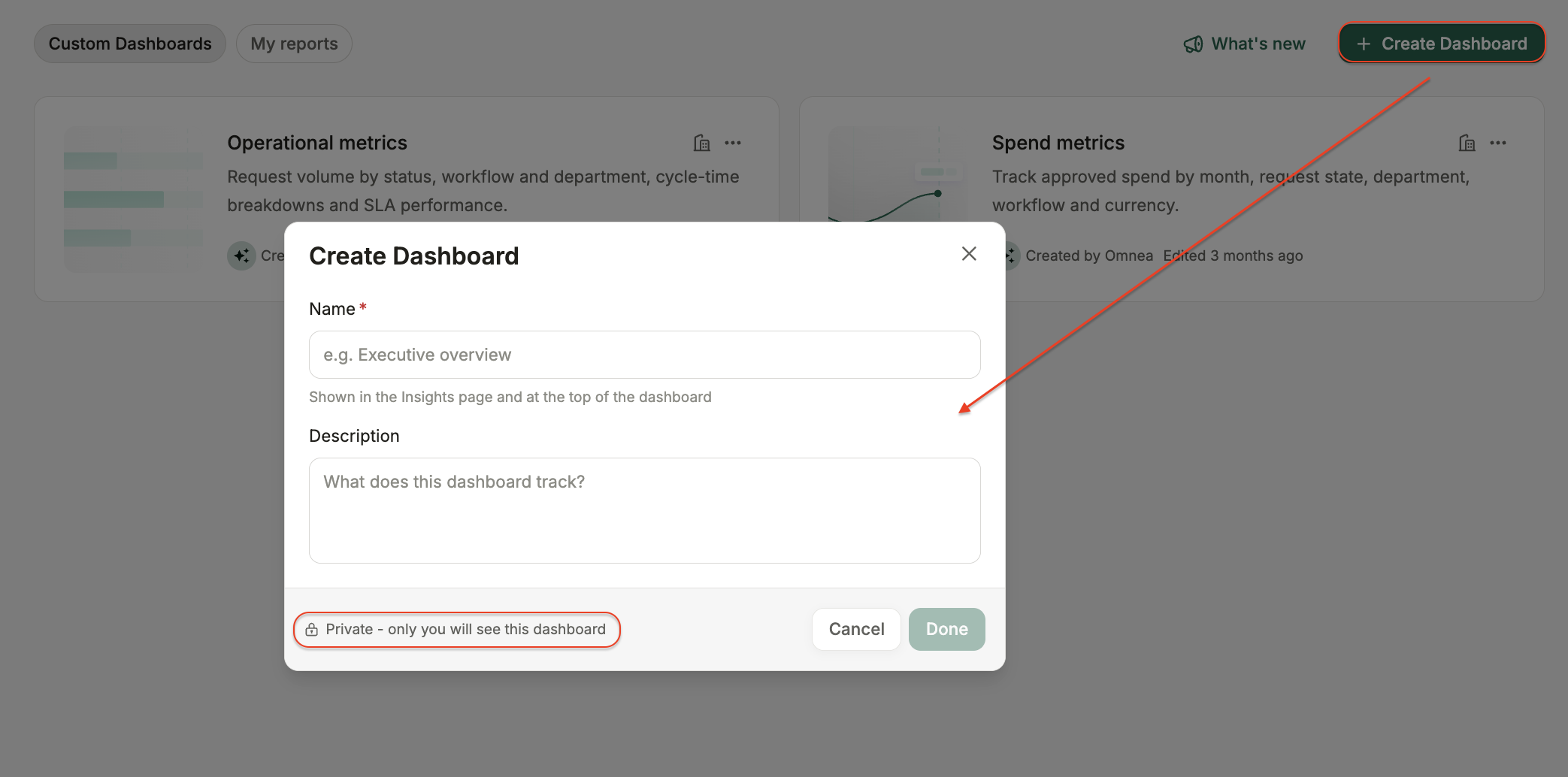
Create a new dashboard. It will initially be visible only to you.
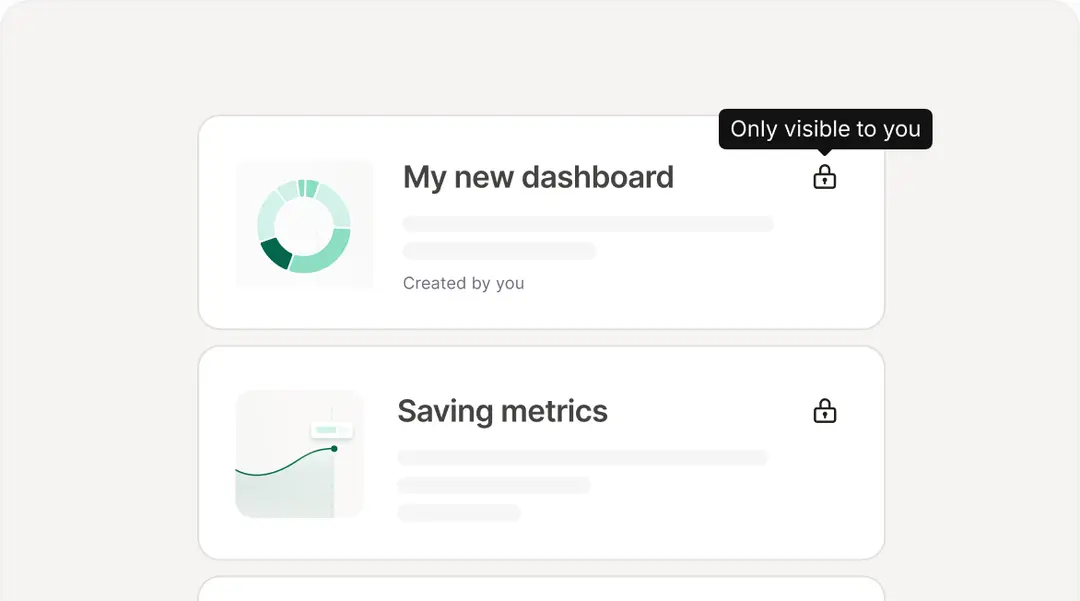
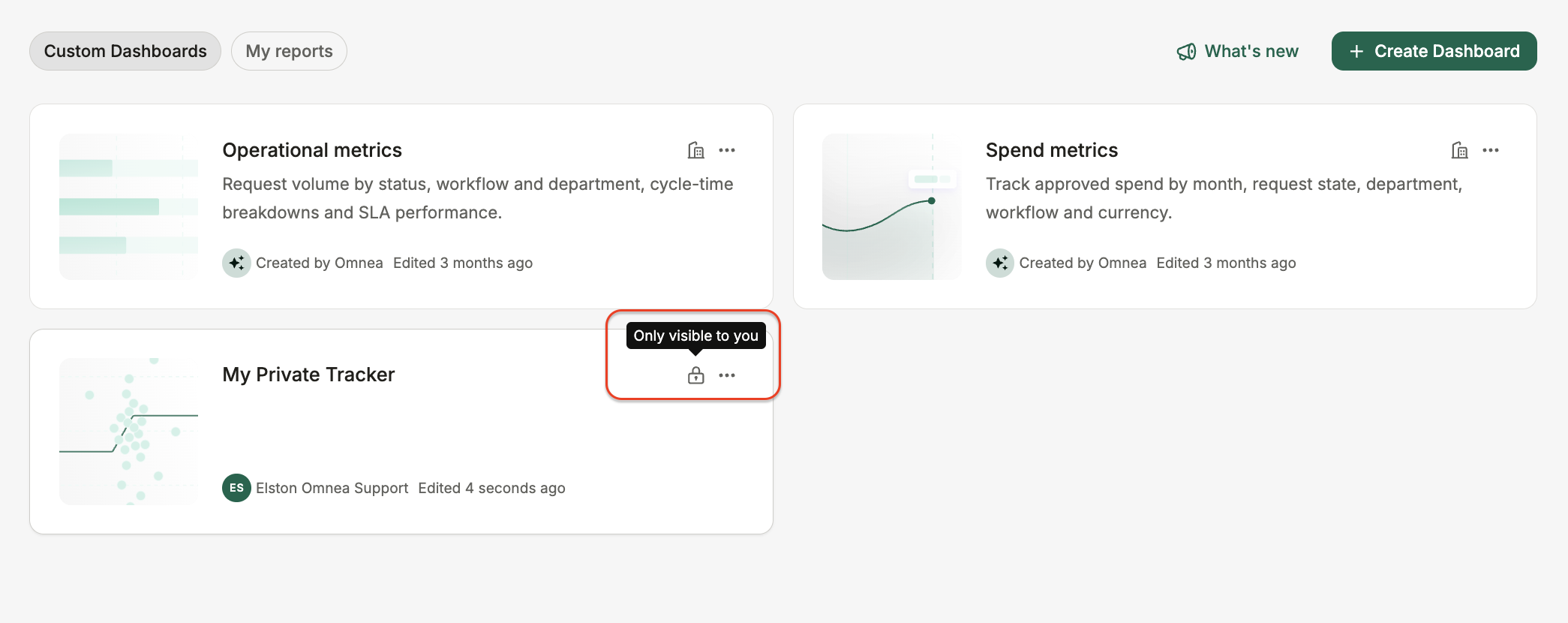
Hover over a dashboard to view its current visibility.
Open the sharing settings to invite teammates as viewers or editors. Alternatively, make the dashboard available to everyone in your organisation.