How to: Shape dashboards faster with flexible widget controls
Last updated: September 29, 2026
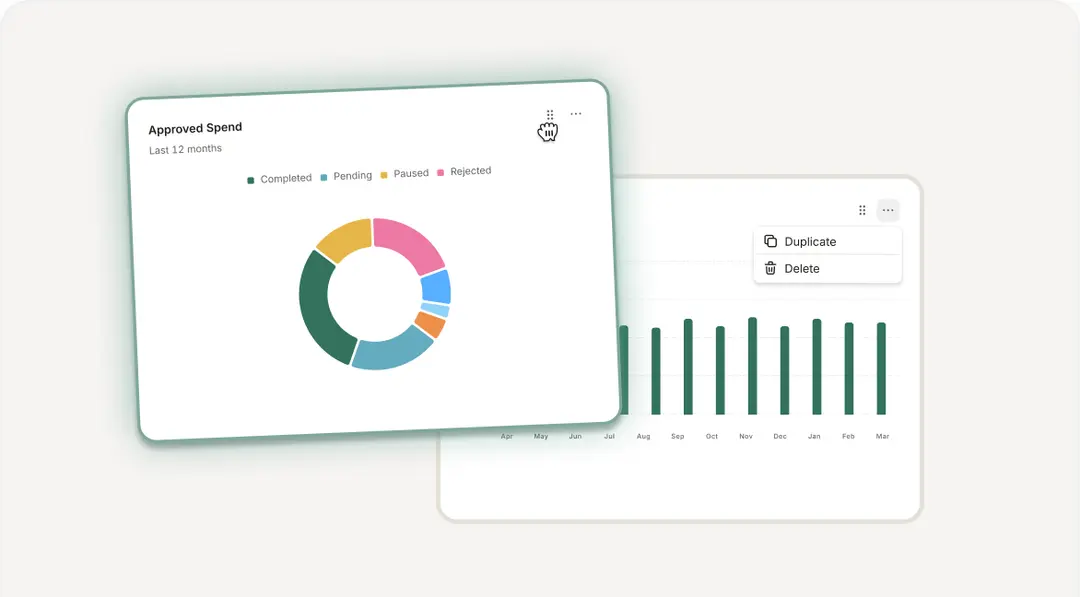
Editors can reorder, duplicate and remove widgets. Viewers can copy widgets to a private dashboard without changing the original.
Guide:
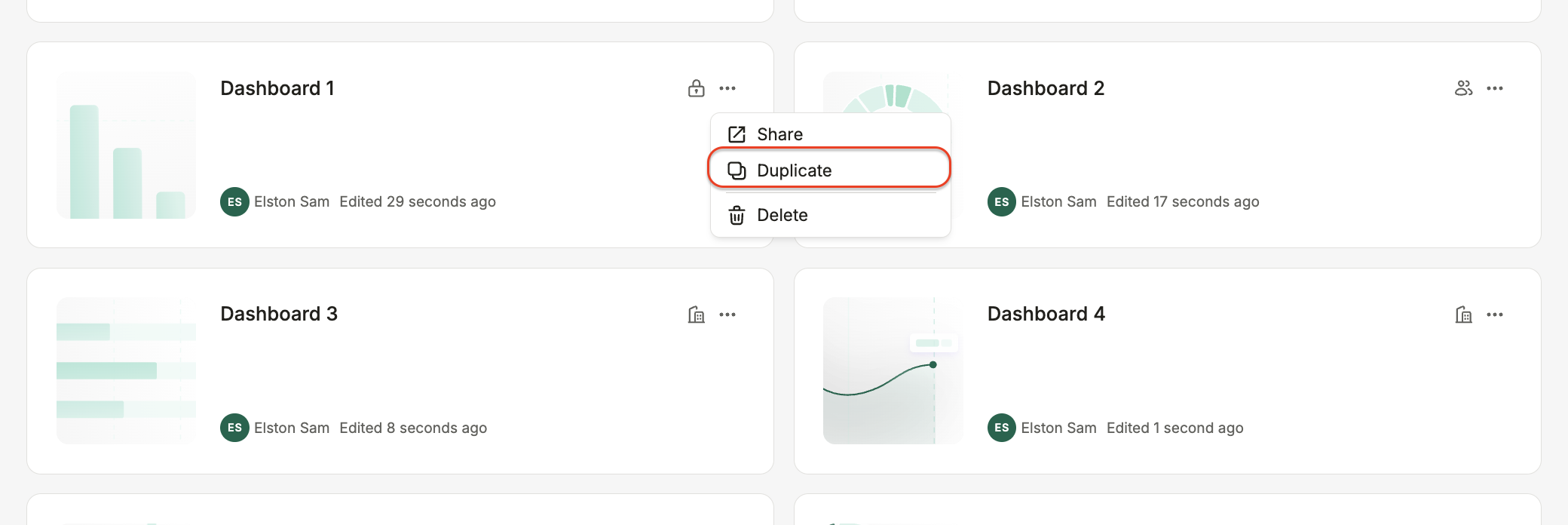
To copy an entire dashboard, open its three-dot menu and select Duplicate.
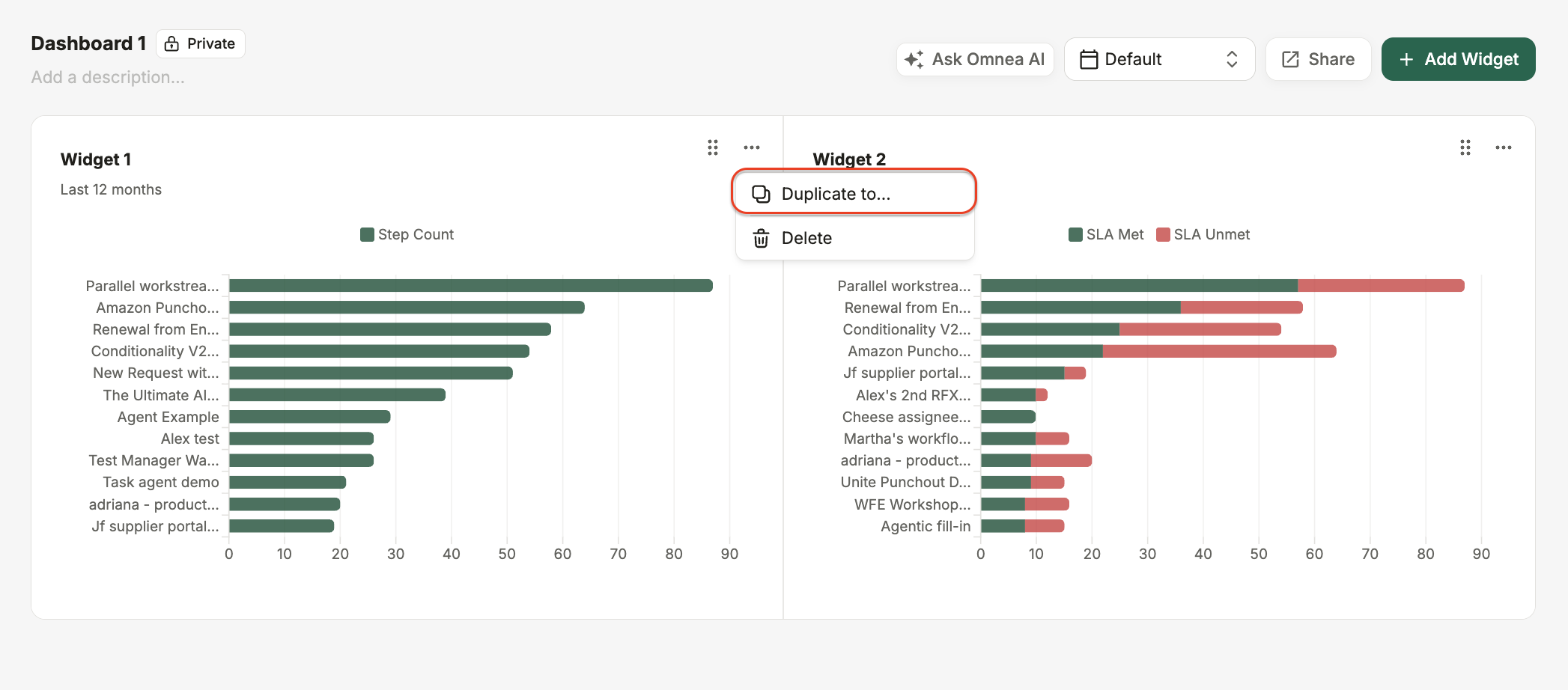
To copy an individual widget, open the widget’s three-dot menu and select Duplicate. Paste it into an existing dashboard or create a new one.
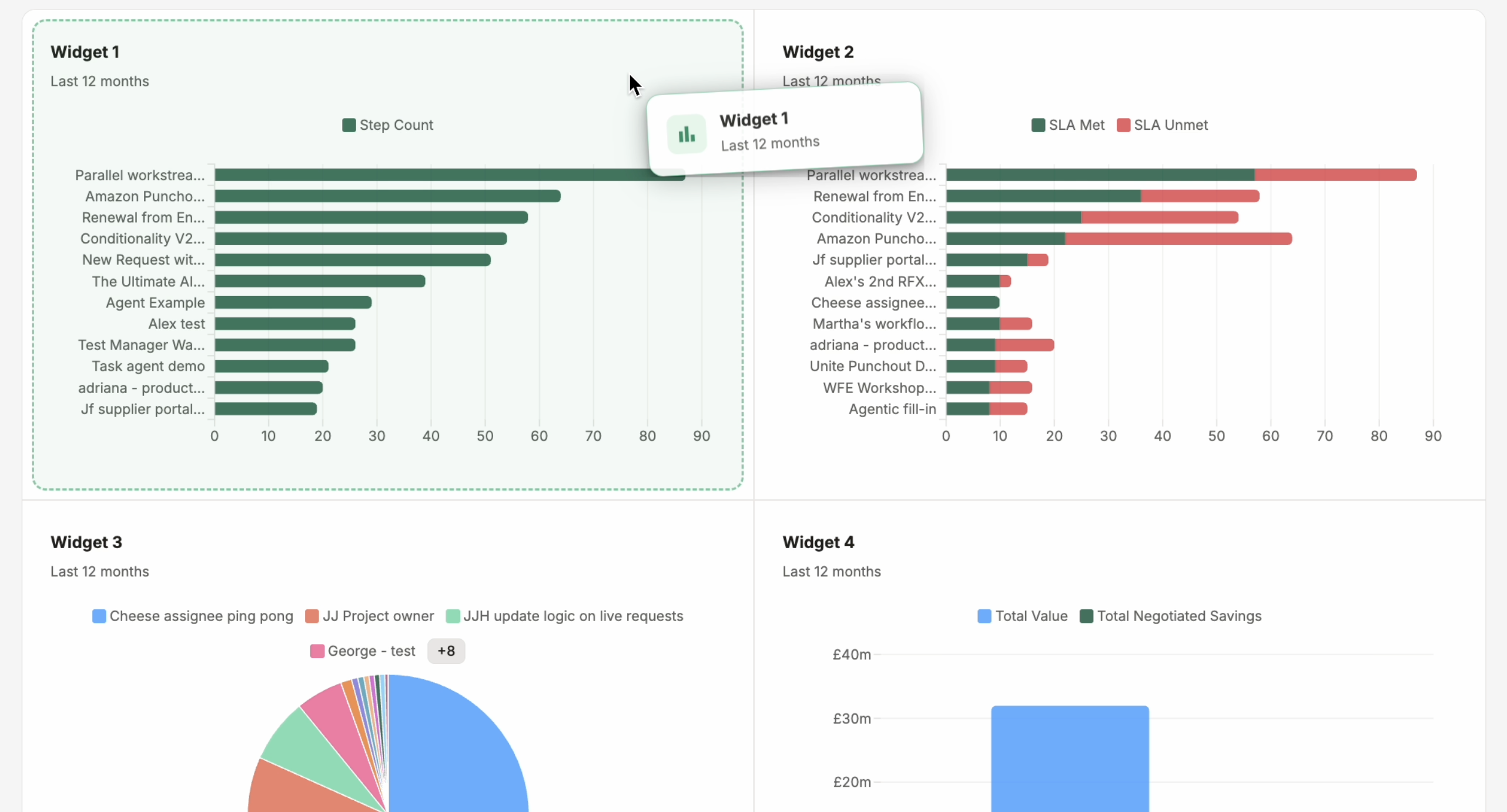
To reorder widgets, drag and drop them into your preferred positions.
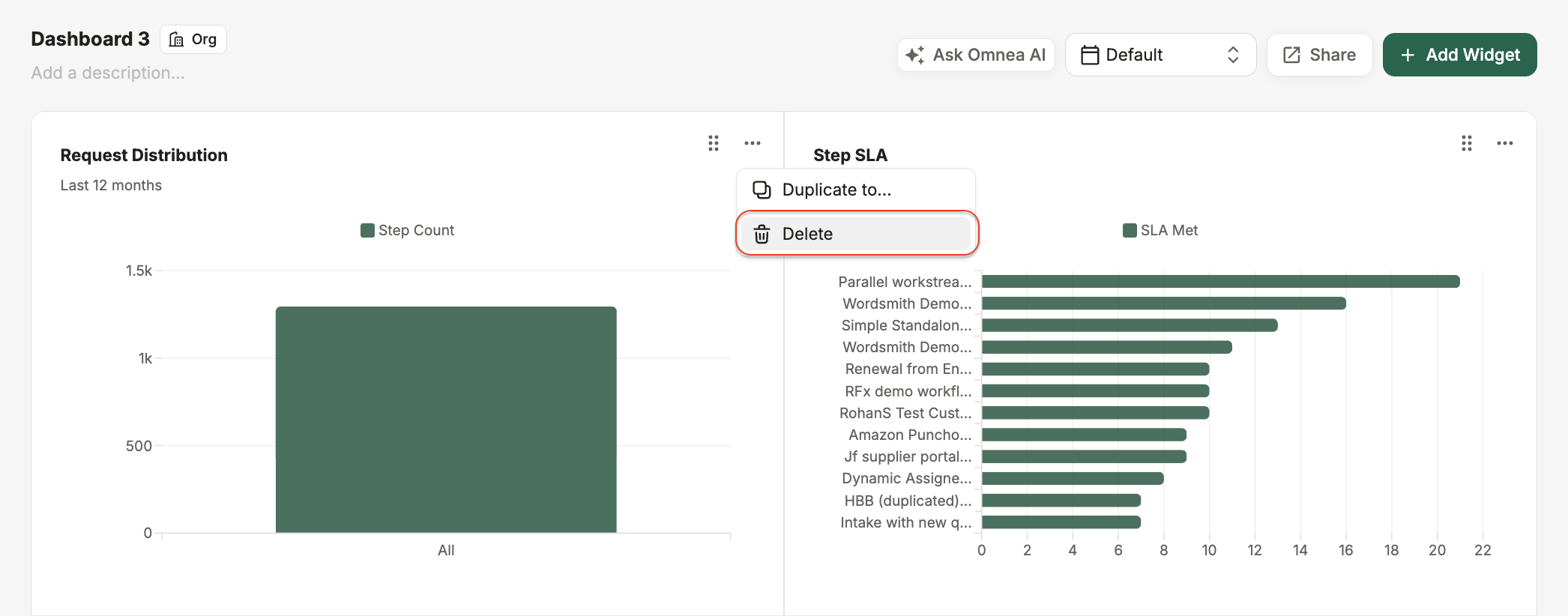
To delete widgets, open the widget’s three-dot menu and select Delete.