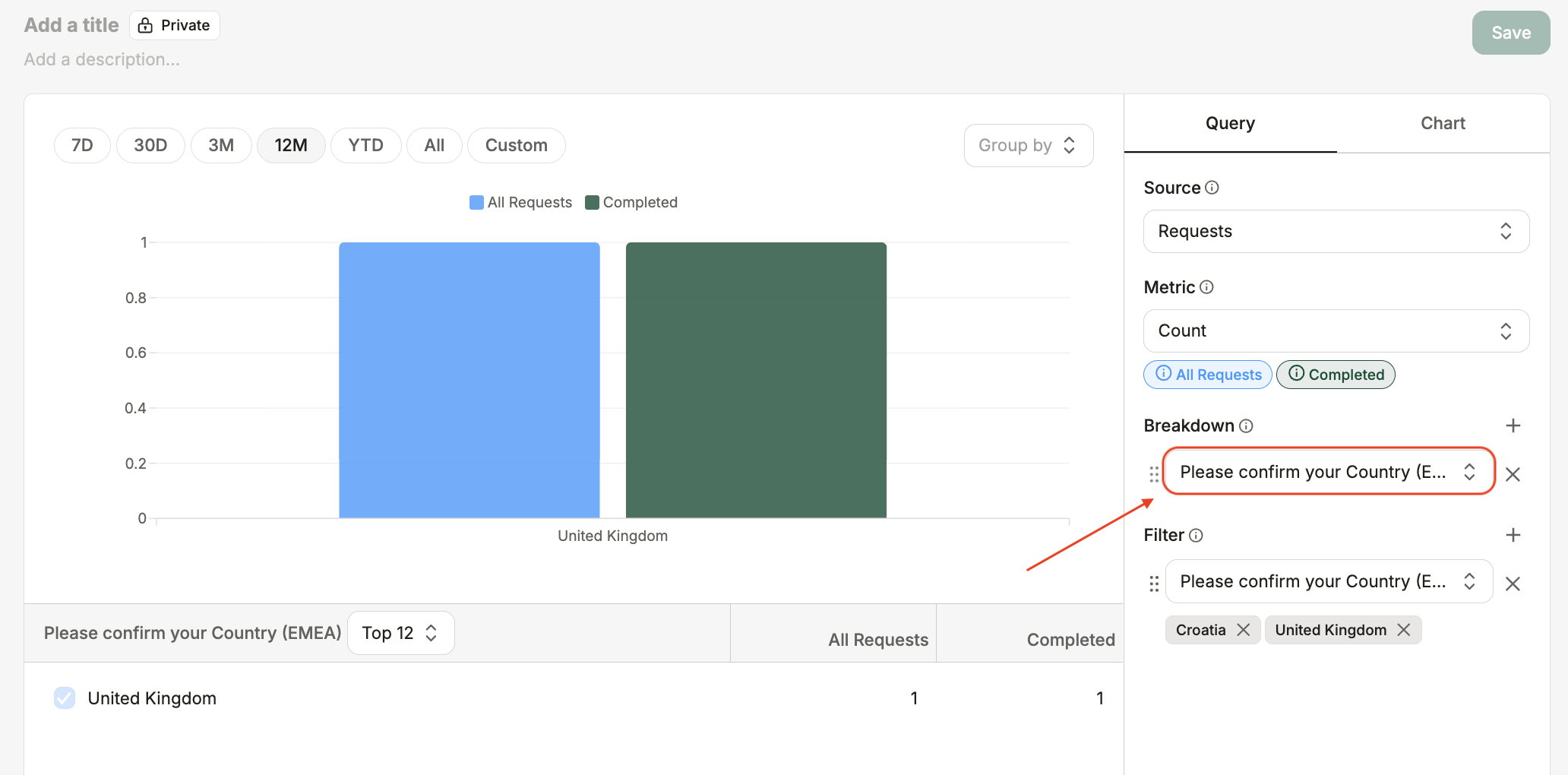
How to: Analyse your Omnea form data
Last updated: September 29, 2026
Turn answers from your request forms into reusable breakdowns. You can analyse requests by country, business unit, contract type or any other supported form question.
How to add a form question as a breakdown
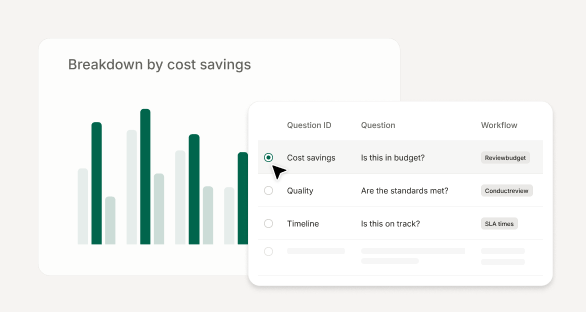
Open the Breakdown menu.
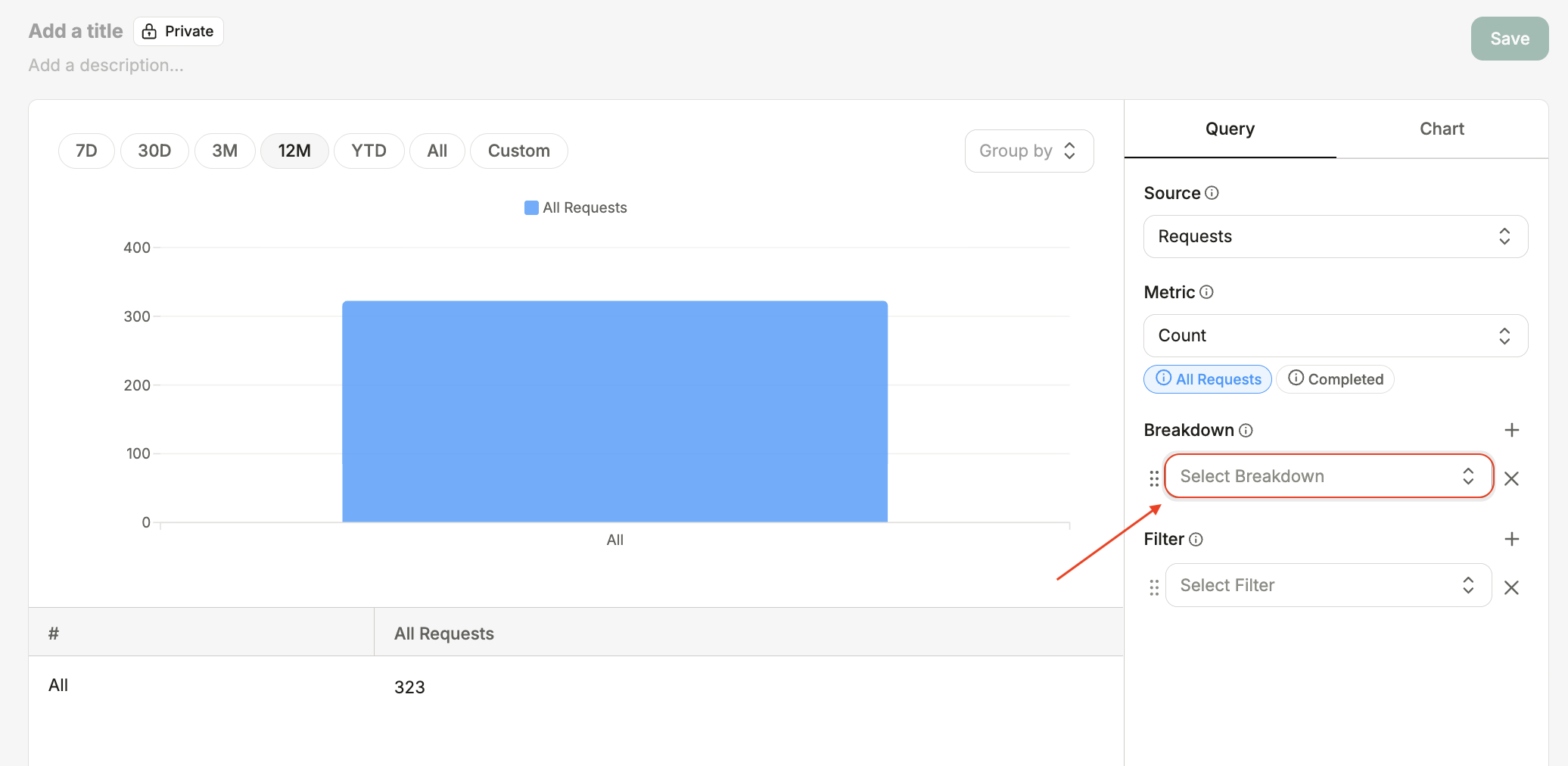
Select Add custom breakdown.
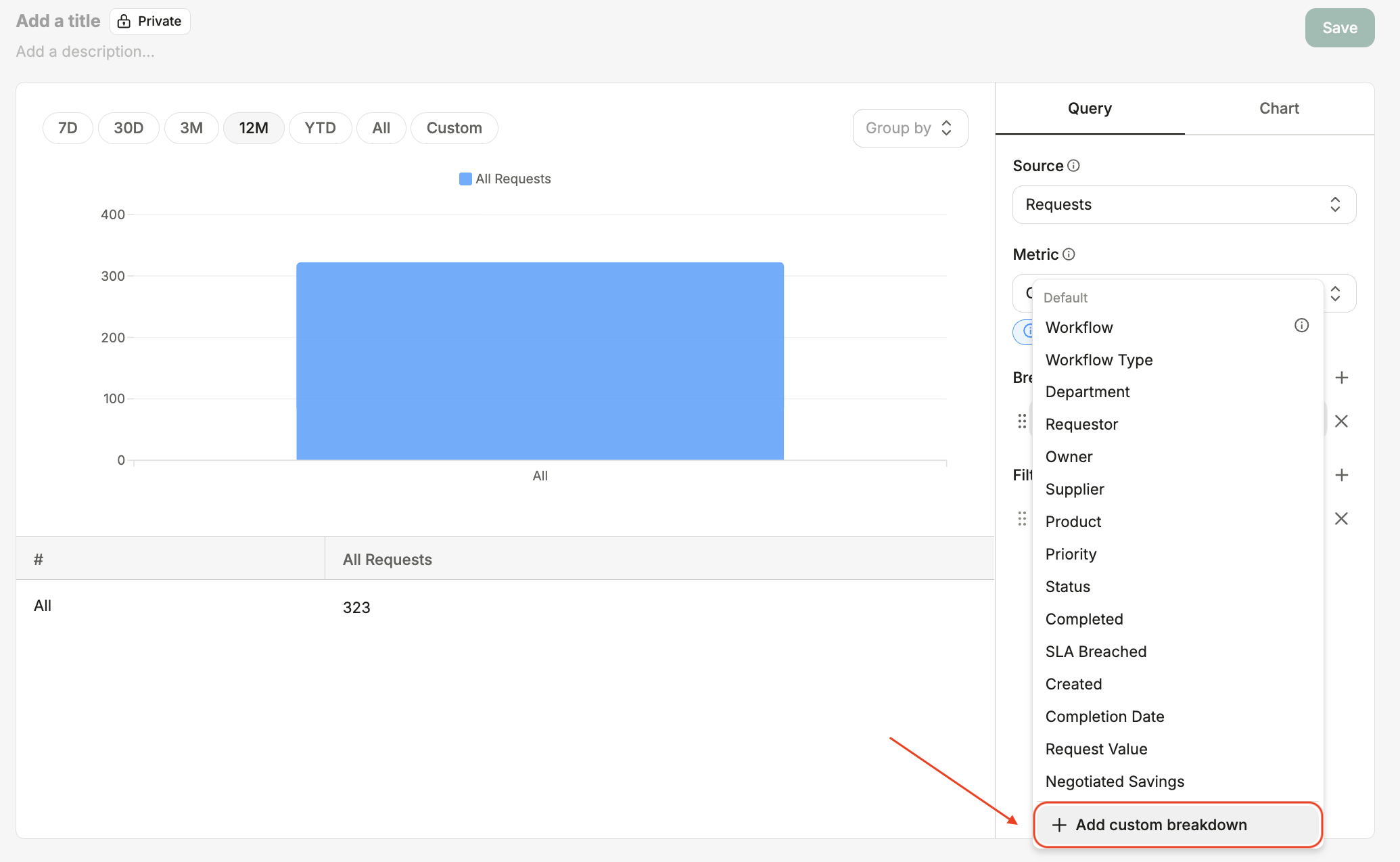
Search for and select the form question you want to analyse.
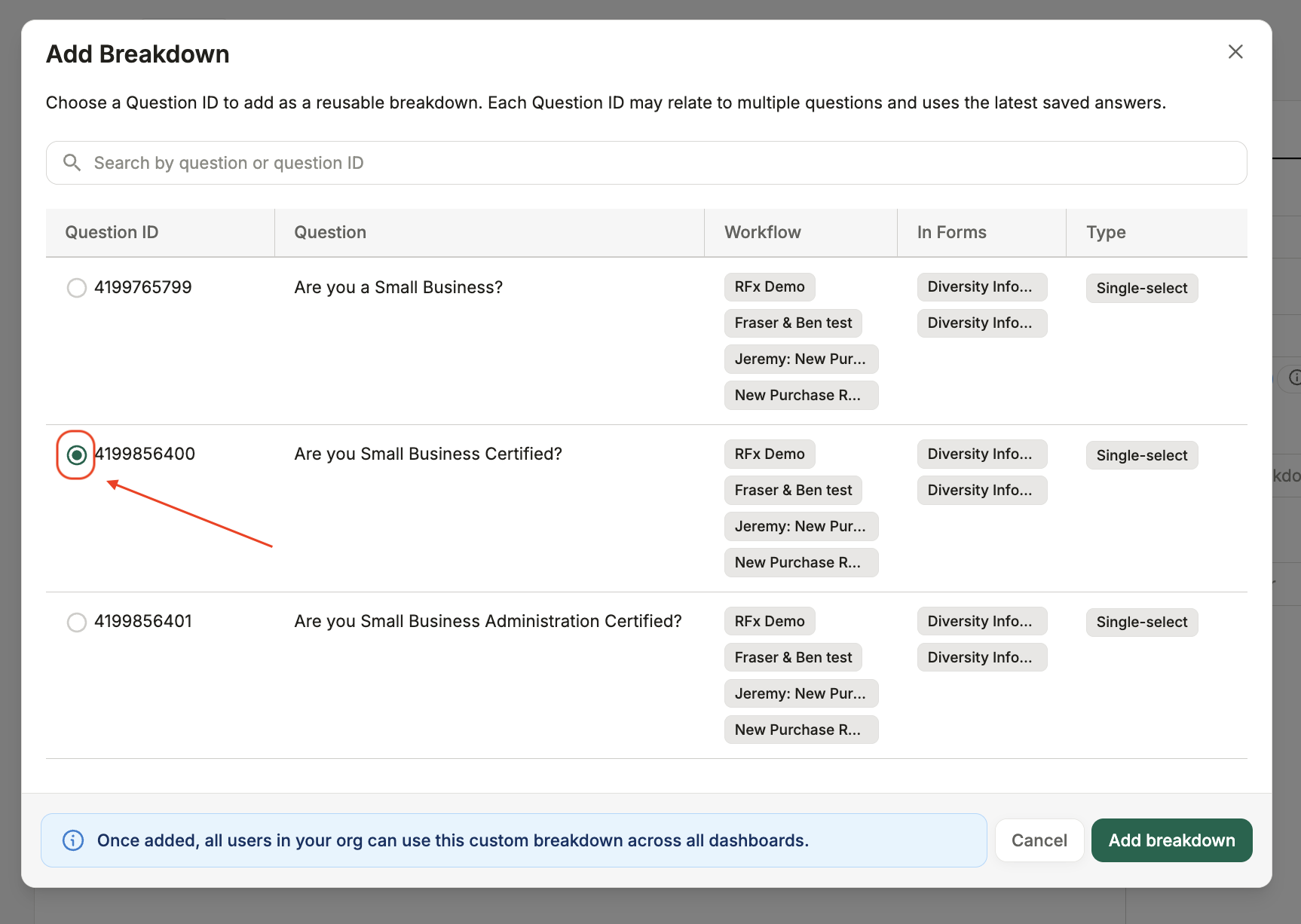
The form question will appear under Breakdown. You can now use its answers to filter, group and visualise your data. Once imported, it will be available for others in your organisation to reuse.